
For parents and classroom teachers, the strongest Notion alternatives in 2026 are Obsidian (offline-first, free, no account required), Google Classroom (zero learning curve if you're already in Google Workspace), Coda or Airtable for database-style lesson planners, and Slite for a shared classroom wiki. Gift-givers who want to skip software entirely: Icon Literary's SEL picture books and activity kits deliver emotional-literacy outcomes with zero setup.
Quick picks by need:
- Parents managing personal notes and reading logs: Obsidian — local files, free, works offline
- Classroom teachers needing shared resources: Google Classroom or Slite — easy family sharing, no per-seat cost for students
- Educators tracking activity inventories or rosters: Airtable or Coda — database power with forms
- Gift-givers: Icon Literary's emotional literacy books and card decks — physical, ready to use, no app required
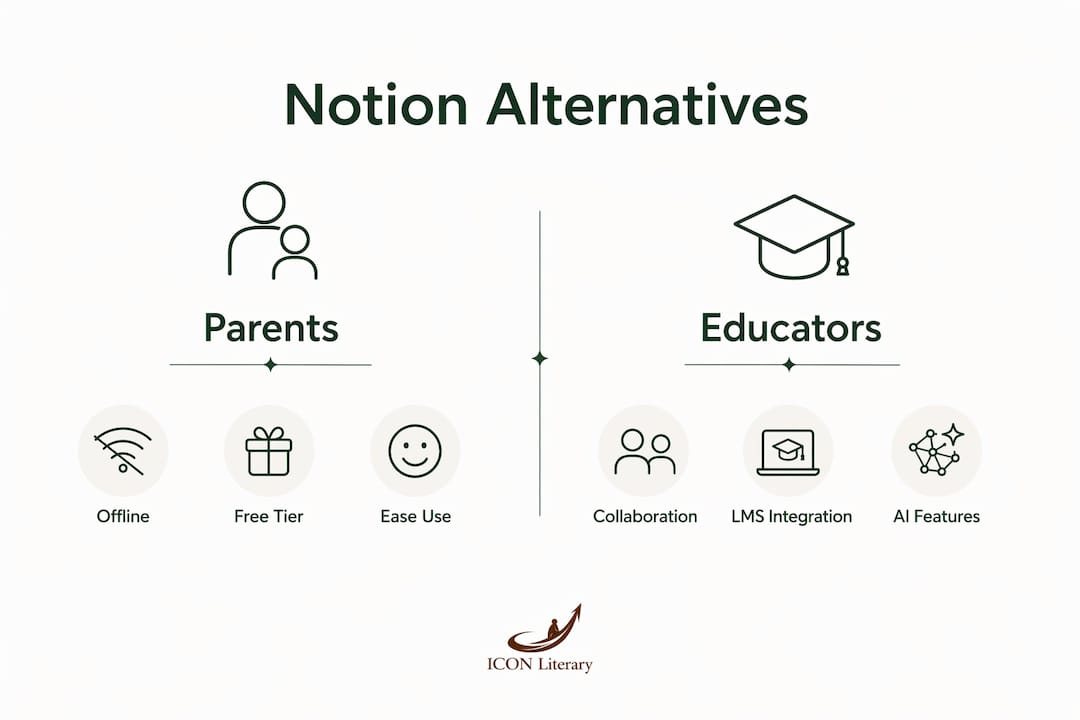
The three factors that matter most when choosing: whether you need offline or local data control, how well the tool connects to Google or Microsoft tools your school already uses, and how fast a non-technical person can get started.
Table of Contents
- What do the best Notion.com alternatives look like side by side?
- What does each app actually do for parents and educators?
- How do you choose the right Notion alternative for your classroom or home?
- Practical workflows parents and teachers can set up this afternoon
- Icon Literary's SEL books and kits are a different kind of alternative
- Key Takeaways
What do the best Notion.com alternatives look like side by side?
| Tool | Best for | Platforms | Free tier | Offline / self-hosted | Google/MS/LMS | AI features | Learning curve | Collaboration |
|---|---|---|---|---|---|---|---|---|
| Obsidian | Local personal notes | Desktop, mobile | Free (personal) | Local-first | Plugins only | Plugins | Low | Limited sharing |
| AppFlowy | Open-source Notion replacement | Desktop, web, mobile | Free | Self-hostable | Limited | Hosted AI | Medium | Yes |
| Coda | Database-style lesson plans | Web | Limited free | No | Packs (Google, Slack) | Yes | Medium-high | Strong |
| Rock | Chat + tasks in one workspace | Web, mobile | Yes (3 spaces) | No | Integrations | Limited | Low | Built-in chat |
| Slite | Classroom wiki and async docs | Web, mobile | Limited | No | Integrations | AI freshness | Low | Yes |
| Capacities | Object-based personal PKM | Desktop, web | Limited | Offline-first (some plans) | Limited | Built-in AI | Medium | Limited |
| Microsoft Loop | M365 schools and educators | Web, Teams | Included with M365 | No | Deep M365/Teams | Via M365 | Low (M365 users) | Strong |
| Trello | Visual activity checklists | Web, mobile | Yes | No | Power-Ups | Limited | Very low | Yes |
| Microsoft OneNote | Free-form notebooks, sketches | Web, desktop, mobile | Free | Partial (desktop) | Deep Office | Limited | Low | Shared notebooks |
| Evernote | Personal clipping and notes | Web, desktop, mobile | Limited | Partial | Limited | Basic | Low | Minimal |
| Airtable | Rosters, inventories, forms | Web, mobile | Limited | No | Integrations | Yes | Medium | Strong |
| Google Docs / Classroom | Assignment sharing, families | Web, mobile | Free | No | Native Google | Gemini | Very low | Excellent |
Migration difficulty at a glance: Obsidian and AppFlowy accept Notion Markdown exports with low friction. Google Docs and Trello require manual recreation of databases. Coda and Airtable sit in the middle — CSV imports work, but relational links need rebuilding.
What does each app actually do for parents and educators?

Obsidian
Obsidian stores every note as a plain Markdown file on your device. Nothing lives in the cloud unless you choose to sync it. For a parent who wants a private reading log or a teacher building a personal resource library, that local-first model means offline-first functionality and full ownership of every file. The free personal license covers all core features.
- Pros: Completely free for personal use; enormous plugin library; works without internet
- Con: Sharing with families or colleagues requires workarounds — no native classroom mode
- Use case: A parent tracking which SEL books their child has read, tagged by emotion theme
AppFlowy
AppFlowy looks and feels closest to Notion. Pages, databases, and a sidebar that mirrors Notion's structure — but the self-hostable open-source framework means your school's data stays on your server. It imports Notion exports directly, which cuts migration time significantly.
- Pros: Self-hostable; imports Notion workspaces; free core tier
- Con: Requires some technical comfort to self-host; mobile app is still maturing
- Use case: A school IT coordinator who wants Notion's UI without vendor lock-in
Coda
Coda turns a document into a lightweight app. Tables support formulas, linked records, and Packs (integrations with Google Calendar, Slack, and others). Airtable and Coda are the go-to picks when database power matters — lesson plans with linked activity records, automated reminders, or intake forms for families.
- Pros: Powerful formula system; strong integrations; free tier available
- Con: Steeper learning curve than Google Docs; paid plans start around $10/user/month
- Use case: An educator building a linked lesson plan database with SEL theme tags and material lists
Rock
Every Rock space bundles chat, tasks, notes, and files together. Chat-first collaboration suits teams that currently juggle Notion plus a separate messenger. Paid plans start at $89/month flat for unlimited users, which makes it cost-effective for small school teams.
- Pros: No separate messaging app needed; flat pricing; free tier (3 spaces)
- Con: Weak on Notion-style relational databases and nested wikis
- Use case: A teaching team coordinating weekly planning with built-in discussion threads
Slite
Slite is a clean wiki tool built to stay current. Its AI detects stale documentation and drafts suggested updates for review. Slite emphasizes self-maintaining knowledge bases — a real advantage for a classroom resource library that needs to stay accurate across a school year. Free tier available; paid plans from $8/user/month.
- Pros: Low friction; AI-assisted freshness; simple templates
- Con: No offline mode; limited database features
- Use case: A teacher maintaining a shared parent-facing resource hub with consent links and weekly updates
Capacities
Capacities organizes knowledge as typed objects — a book, a person, a concept — rather than pages in folders. Built-in AI surfaces connections you didn't manually tag. The offline-first capability on some plans suits parents who want a private PKM without cloud dependency.
- Pros: Object-based model reduces manual tagging; built-in AI; export to standard formats
- Con: Proprietary; limited collaboration features; free tier is restricted
- Use case: A parent or educator linking SEL concepts across multiple books and activities
Microsoft Loop
Loop components update live across Outlook, Teams, and Word. For schools already paying for Microsoft 365, Loop is included with most Business plans at no extra cost. The integration fit beats raw features here — no new tool to learn if staff live in Teams all day.
- Pros: No extra cost for M365 subscribers; deep Teams/Outlook integration; easy sharing
- Con: Weak outside the Microsoft ecosystem; limited database power
- Use case: A school administrator sharing a live meeting agenda that updates in Teams and Outlook simultaneously
Trello
Trello is a Kanban board, nothing more. Cards, lists, drag-and-drop. Setup takes minutes, and free accounts cover most parent and classroom needs. Power-Ups add Google Drive or calendar connections.
- Pros: Immediate to use; generous free tier; visual and intuitive
- Con: No document or database features; limited for complex workflows
- Use case: A parent tracking weekend activity kit steps as a simple checklist
Microsoft OneNote
OneNote's notebook metaphor — sections, pages, free-form drawing — makes it natural for teachers who sketch lesson ideas or annotate PDFs. Shared notebooks work across Microsoft accounts at no extra cost.
- Pros: Free; deep Office integration; supports handwriting and sketches
- Con: Sync can be unreliable; no relational database features
- Use case: A teacher sharing annotated read-aloud notes with a teaching assistant
Evernote
Evernote's web clipper and cross-device sync remain its strongest features for solo users. The free tier is now limited to one device, which reduces its appeal. Paid plans start around $14.99/user/month.
- Pros: Excellent web clipping; reliable cross-device sync on paid plans
- Con: Free tier is very restricted; no collaboration features worth mentioning
- Use case: A parent clipping printable activity ideas from the web into a personal library
Airtable
Airtable is a spreadsheet that thinks it's a database. Multiple views (grid, calendar, gallery, Kanban), forms for family intake, and automations for reminders. Free tier available; Team plans from $20/collaborator/month.
- Pros: Multiple views; powerful forms; strong automations
- Con: Pricing scales steeply per collaborator; no offline mode
- Use case: A teacher tracking a classroom library of activity kits with checkout dates and condition notes
Google Docs / Google Classroom
Google Classroom handles assignment distribution, family communication, and grading in one place — and it's free for schools via Google Workspace for Education. Gemini AI is rolling out across Google Docs. For educators already in Google Workspace, this is the path of least resistance.
- Pros: Free for schools; families need no new accounts; excellent sharing controls
- Con: No offline database features; limited for complex knowledge management
- Use case: A teacher distributing weekly SEL reading assignments with parent-visible progress
How do you choose the right Notion alternative for your classroom or home?
The single most important factor: what is the core job you need the tool to do? A parent who wants private offline notes needs a completely different tool than a teacher managing family communications. Decide that first, then filter by the checklist below.
- Core job: Note-taking, wiki, database, task tracking, or communication?
- Offline or cloud: Do you need data on your device, or is cloud storage fine?
- Integrations: Does your school run Google Workspace or Microsoft 365? Pick what plugs in natively.
- Family sharing: Can parents or students access content without creating an account?
- Templates and onboarding: How fast can a non-technical person get started?
- Cost and seat model: Does pricing scale per user, or is it flat?
Questions worth asking before you commit:
- Can I export all pages and databases in Markdown or CSV?
- Do families or students need paid accounts to view shared content?
- Does the tool have admin controls for school-level permissions?
Red flags: No export option, per-seat pricing with no educator discount, no admin permission controls, and no public documentation for import/export.
Pro Tip: Before migrating a full Notion workspace, test a small subset first — export one database and two linked pages, import them into your target tool, and verify that relationships and formatting survived. Budget two to four hours for a small workspace; larger setups with relational databases can take a full day.
Analysts note a broader shift toward specialized tools over all-in-one platforms — a lesson that applies directly to classrooms. A tool that does one job well is easier to maintain than a complex custom Notion setup that only one person understands.
Practical workflows parents and teachers can set up this afternoon
A. Weekly lesson planner with linked activities (Coda or Airtable, 60–90 minutes) Create a table with columns: Lesson Title, Date, SEL Theme, Materials, and Status. Link a second table of activity kits to the Materials column. Share a filtered view with families via a public link — no account required for viewers in Airtable's free tier.
B. Offline reading log for parents (Obsidian, 30 minutes) Create a note per book with fields: Title, Author, Age Range, Emotion Themes, and Date Read. Tag each note with an emotion keyword. Obsidian's graph view shows which themes you've covered most. No internet needed after setup.
C. Classroom resource wiki with family sharing (Google Classroom or Slite, 30–45 minutes) Post weekly SEL resources as Google Classroom announcements — families see updates without an extra login. In Slite, create a page per unit with a shareable public link. Pair it with an emotional themes cataloging system to keep resources organized by SEL outcome.
D. Activity kit checklist and inventory (Trello or Airtable, 30 minutes) In Trello, one card per kit with a checklist of materials. In Airtable, add a gallery view with photos and a form for teachers to log when a kit is checked out. Export to PDF to share with families.
For all four workflows, setup time runs 30–90 minutes. Compare that to opening a ready-made Icon Literary activity kit: zero configuration, immediate use, and no software account required.
Icon Literary's SEL books and kits are a different kind of alternative
When the goal is emotional-literacy practice with children ages 3–8, a physical picture book or curated activity kit often gets there faster than any software workflow. No onboarding, no permissions to configure, no subscription to manage.
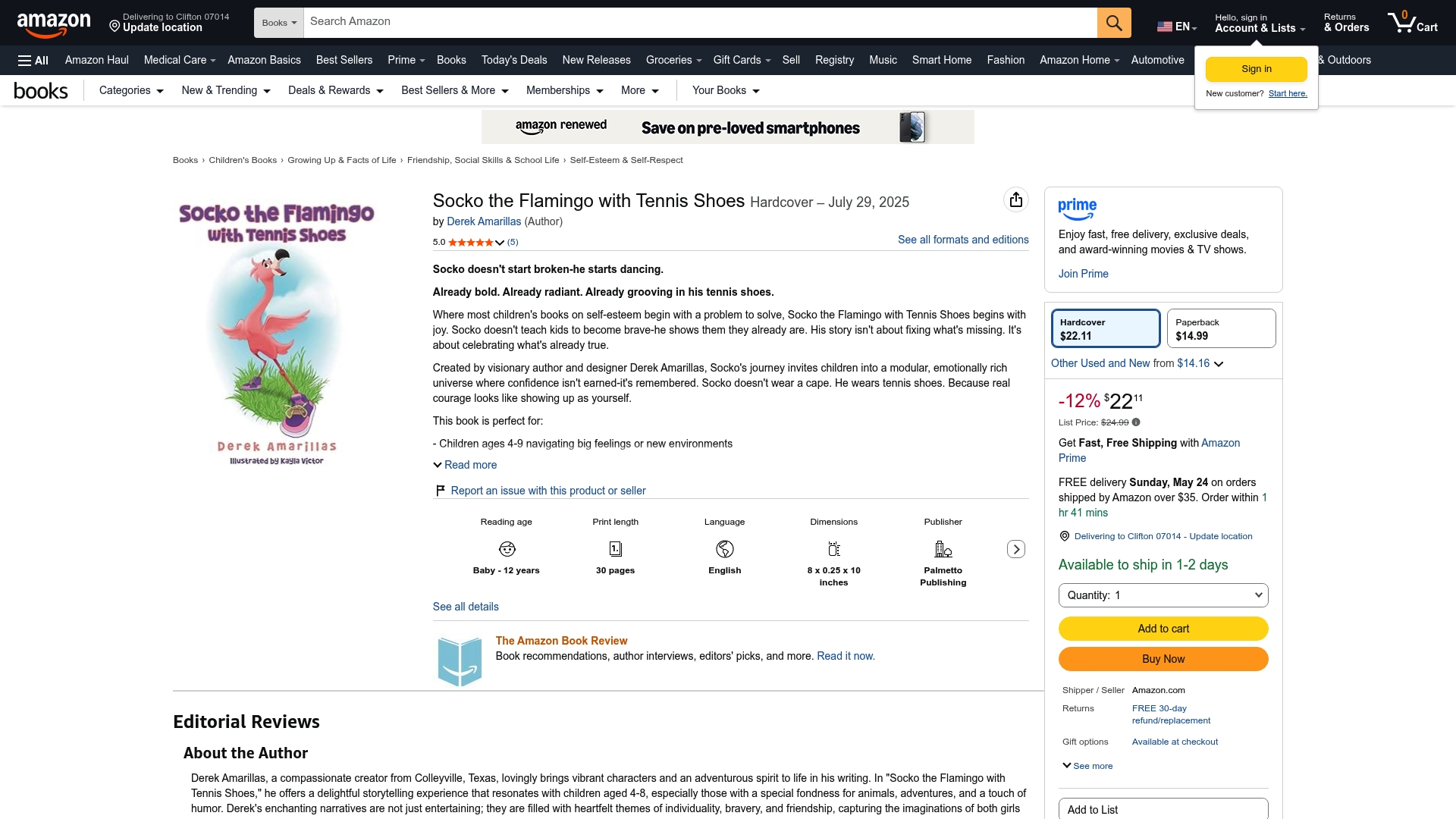
Icon Literary publishes original SEL picture books, themed card decks, creative activity kits, and printable downloads built around diverse, emotionally resonant characters and story worlds. Parents, preschool teachers, librarians, and gift-givers use them to open conversations about feelings, build empathy, and make emotional literacy part of daily routines — without needing a single app.
Browse the full Icon Literary catalog to find picture books and kits matched to specific emotions and age ranges. For downloadable assets and member resources, the member site has printables ready to use today.
Software is still the right call for complex record-keeping, LMS integration, or multi-teacher collaboration. But for the emotional-literacy piece? A well-designed book or kit beats a database every time.
Key Takeaways
For parents and educators, the best Notion alternatives are the ones that match your actual workflow — offline notes, classroom wikis, or database-style planners — not the ones with the most features.
| Point | Details |
|---|---|
| Match tool to core job | Obsidian for offline notes, Coda/Airtable for databases, Google Classroom for family sharing. |
| Offline and open-source options exist | Obsidian is free and local-first; AppFlowy is self-hostable with a Notion-style interface. |
| Test migration before committing | Export a small subset of pages and linked databases first; budget two to four hours for a small workspace. |
| Integration fit beats raw features | Tools that plug into Google Workspace or Microsoft 365 reduce friction for teachers and families. |
| Icon Literary as a non-software alternative | Physical SEL books and activity kits from Icon Literary deliver emotional-literacy outcomes with zero setup time. |